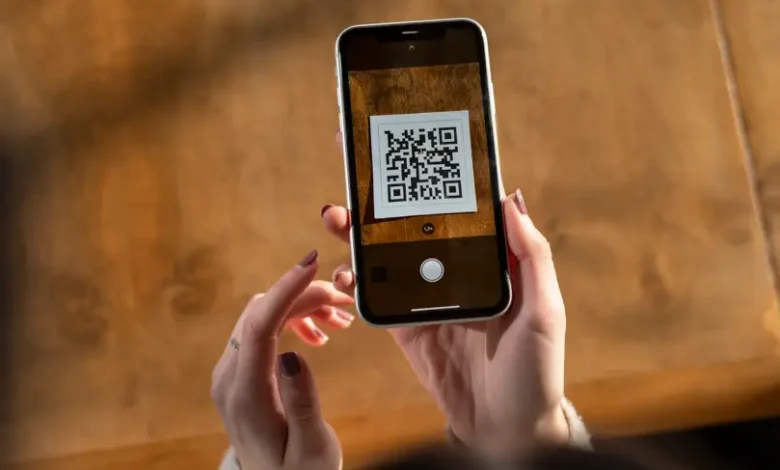
Inventory control becomes harder when assets move between rooms, warehouses, service points, or field teams. For companies that want to test scannable labels, ME-QR offers a free QR code generator that can turn each item record into a clear digital entry. This helps staff open asset details from a phone instead of searching through files or asking several people for updates.
Using QR Codes to Tag and Monitor Physical Assets
Physical assets need simple identification, especially when many people use or move them. This may include laptops, tools, office equipment, vehicles, storage boxes, rental items, medical devices, or event materials. A QR label can lead to a page with the asset name, internal ID, serial number, owner, location, and service notes.
A QRcode generator is useful when a company wants to connect each physical item with its digital record. Instead of typing a long asset number into a spreadsheet, staff can scan the label and open the right page faster.
| Asset Type | Useful QR Destination |
| Laptop or tablet | Device record and owner details |
| Warehouse item | Stock card and storage zone |
| Tool or machine | Service history and safety notes |
| Rental equipment | Return date and condition report |
This table shows how labels can support different asset groups. Each destination should be simple and specific, so staff can check or update details without extra searching.
QR Codes for Faster Stock Checks and Updates
Before using a QR code generator free online, it is useful to decide what each label should show. The structure has to be short and practical, especially when staff scan many items in one shift. Common asset label details include:
- item name and internal ID;
- current location or storage zone;
- responsible person or department;
- last maintenance or inspection date;
- link to instructions, warranty, or service notes.
This structure keeps records readable and easy to update. For a small team, a QR generator free option may be enough for testing. For a larger inventory, teams usually need editing, tracking, and bulk creation, not only a one-time code.
See also: Wearable Technology Innovations in Healthcare
Improving Accuracy in Asset Management with Scannable Labels
Manual records can become outdated when several people update the same inventory list. A company can make QR code labels for different asset groups, such as IT equipment, furniture, stock shelves, or field tools. With dynamic content, the destination can change as the item moves through its lifecycle.
A create QR code free test can be a good first step before building a full asset workflow. After that, a best free QR code generator should also support editing, branding, scan statistics, and reliable code management.
Conclusions
QR labels make inventory and asset tracking easier because they connect physical items with current digital records. For teams that manage equipment, stock, or shared resources, ME-QR can support this workflow with dynamic QR codes, bulk creation, scan analytics, branded labels, and a simple dashboard. This makes asset management easier to scale without making daily work more complicated.
FAQ
How do QR codes help with asset tracking?
They connect each item to a digital record, so staff can check details faster.
What can be added to a QR asset label?
It can link to an item ID, location, owner, service notes, warranty, or stock page.
Are dynamic QR codes useful for inventory?
Yes, because linked records can be updated without replacing the printed label.